
Stressful App Test
This article relies on the live media created here.
Stressful Application Test is a memory testing tool, notably used by Google.
Running the test
Section titled “Running the test”- After you boot into the media, click the Debian logo in the top-left corner, then click “Terminal Emulator” to open the terminal:
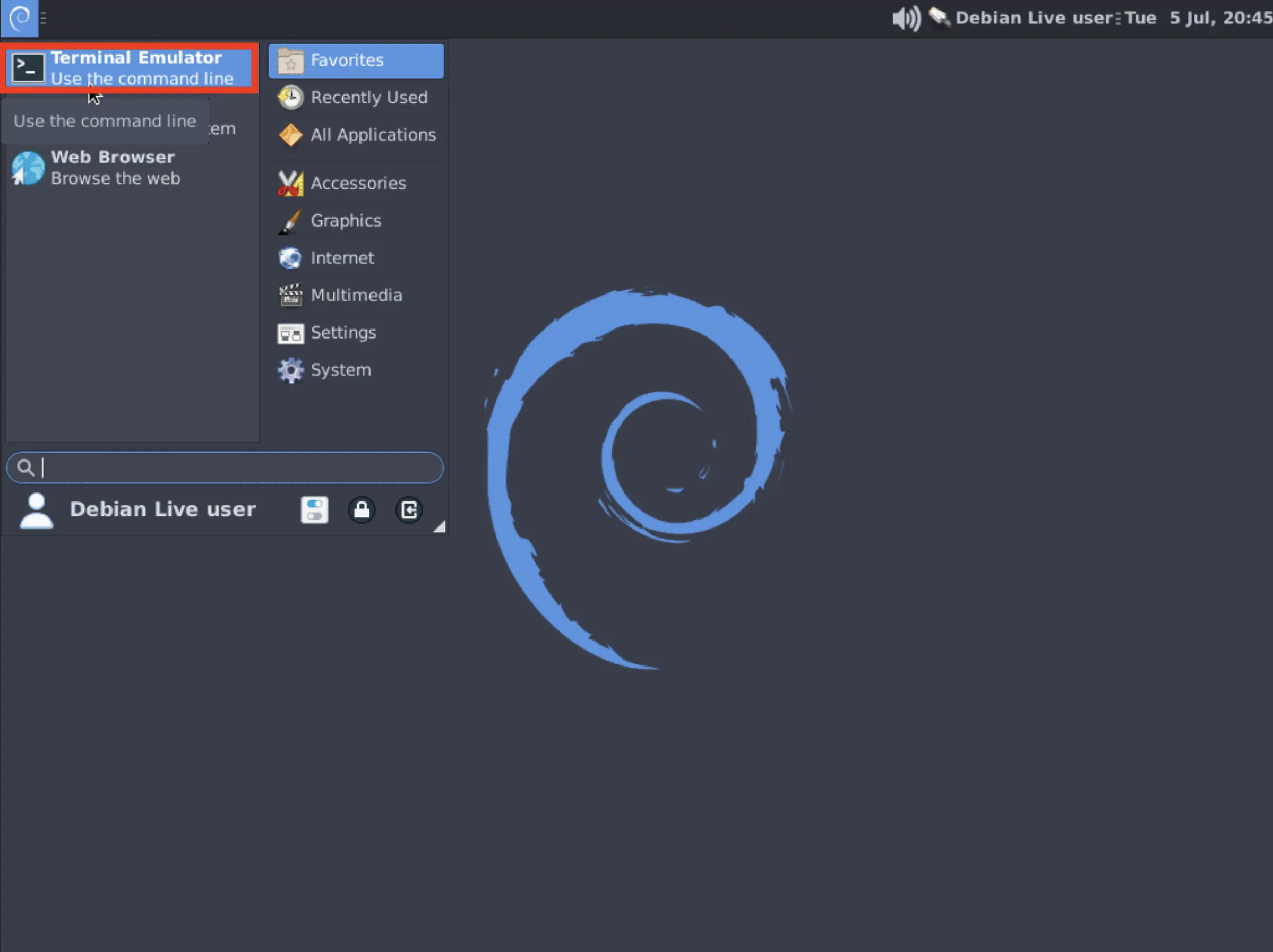
- In the terminal, type
stressapptest -W -s <time>. Replace<time>with the time in seconds that you want to run the test for. We suggest an hour, so the command would bestressapptest -W -s 3600. Then press Enter to actually run the command.